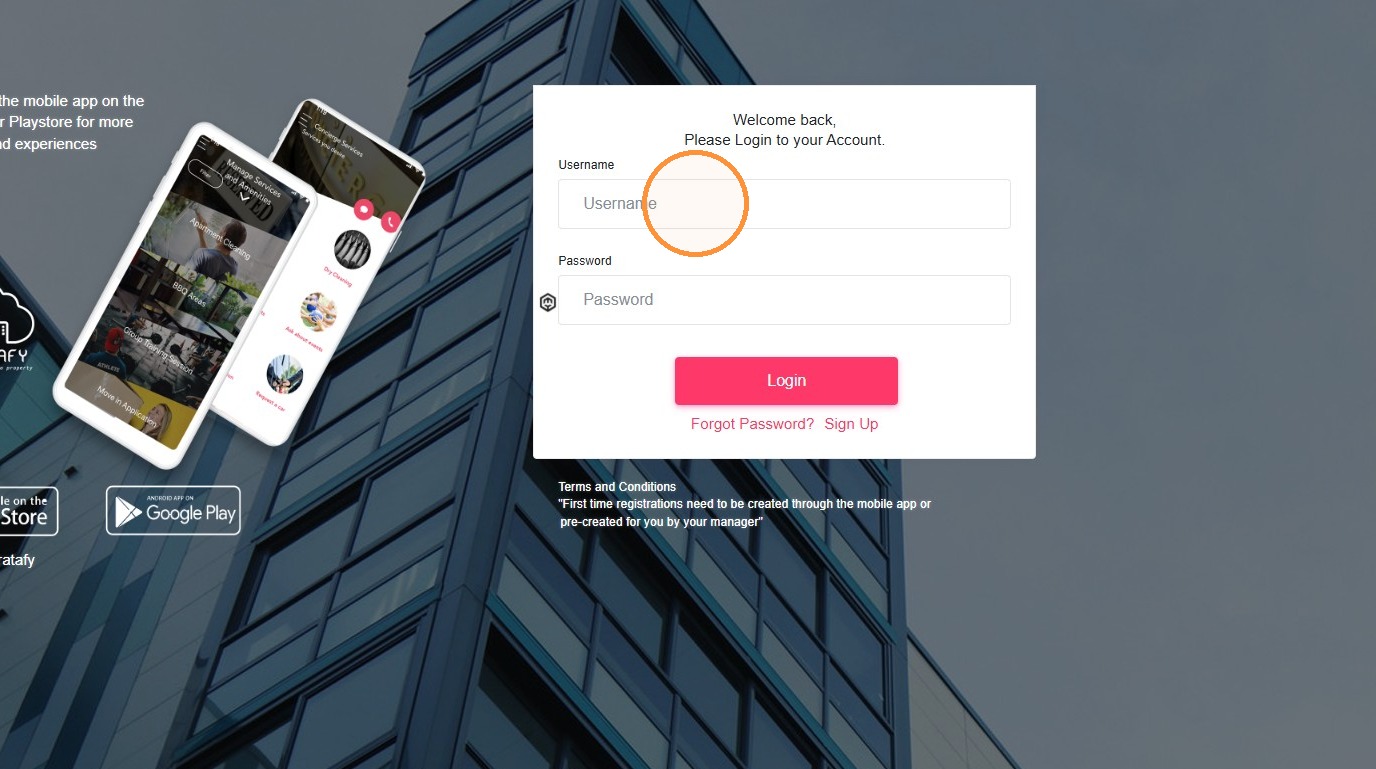
How to Register a New User Account on Stratafy
This guide walks you through creating a new user account on the Stratafy web portal.
Account Signup
1. Go to https://portal.stratafyconnect.com/Users/signup
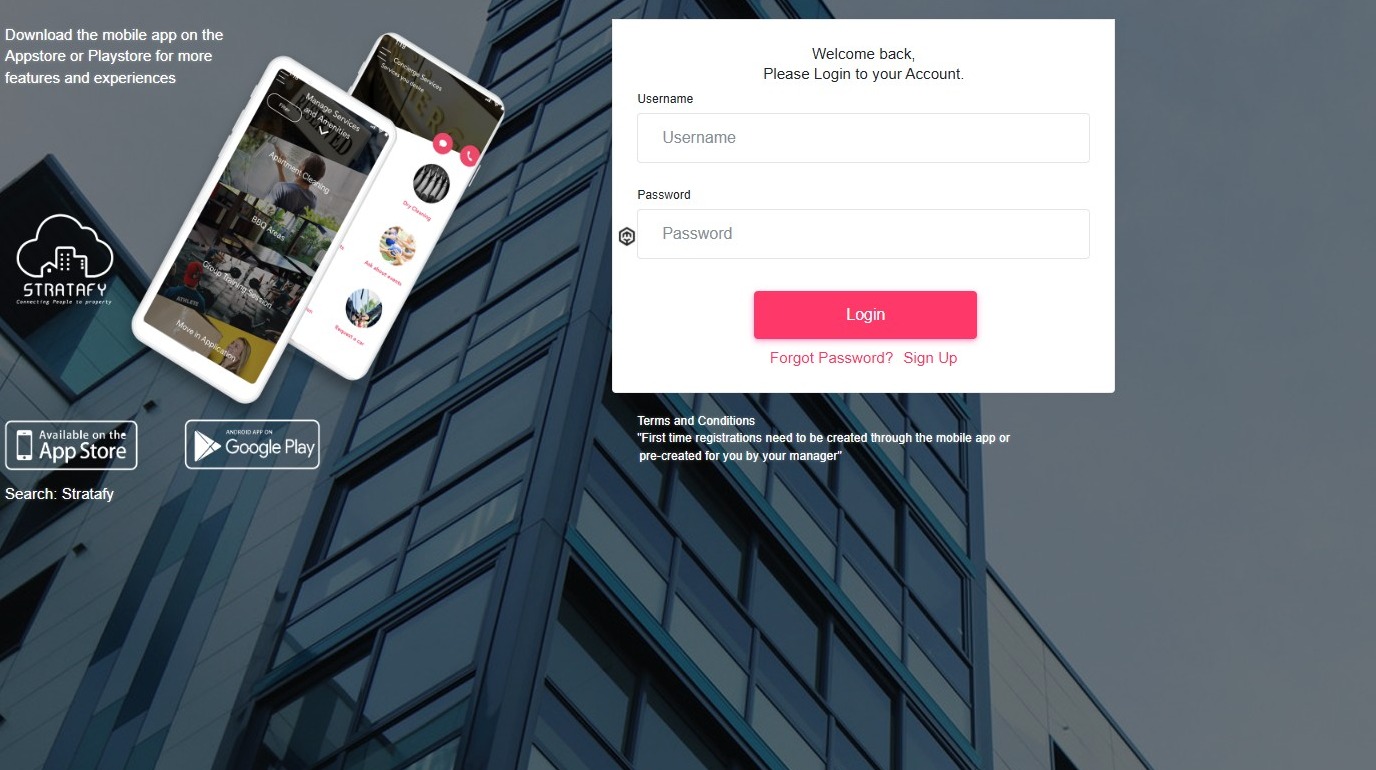
2. Click Sign Up.
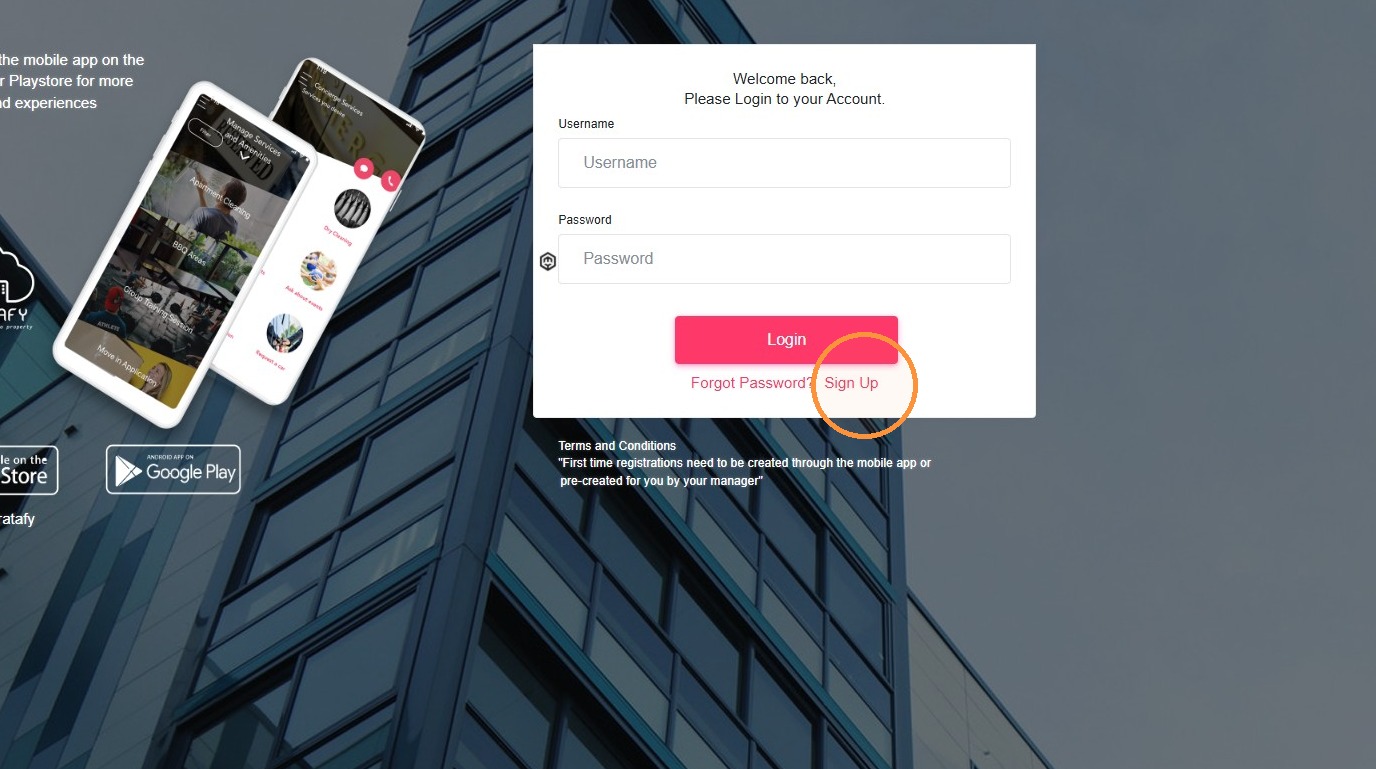
3. Click Residential & Commercial Strata.

4. Enter the Property ID.
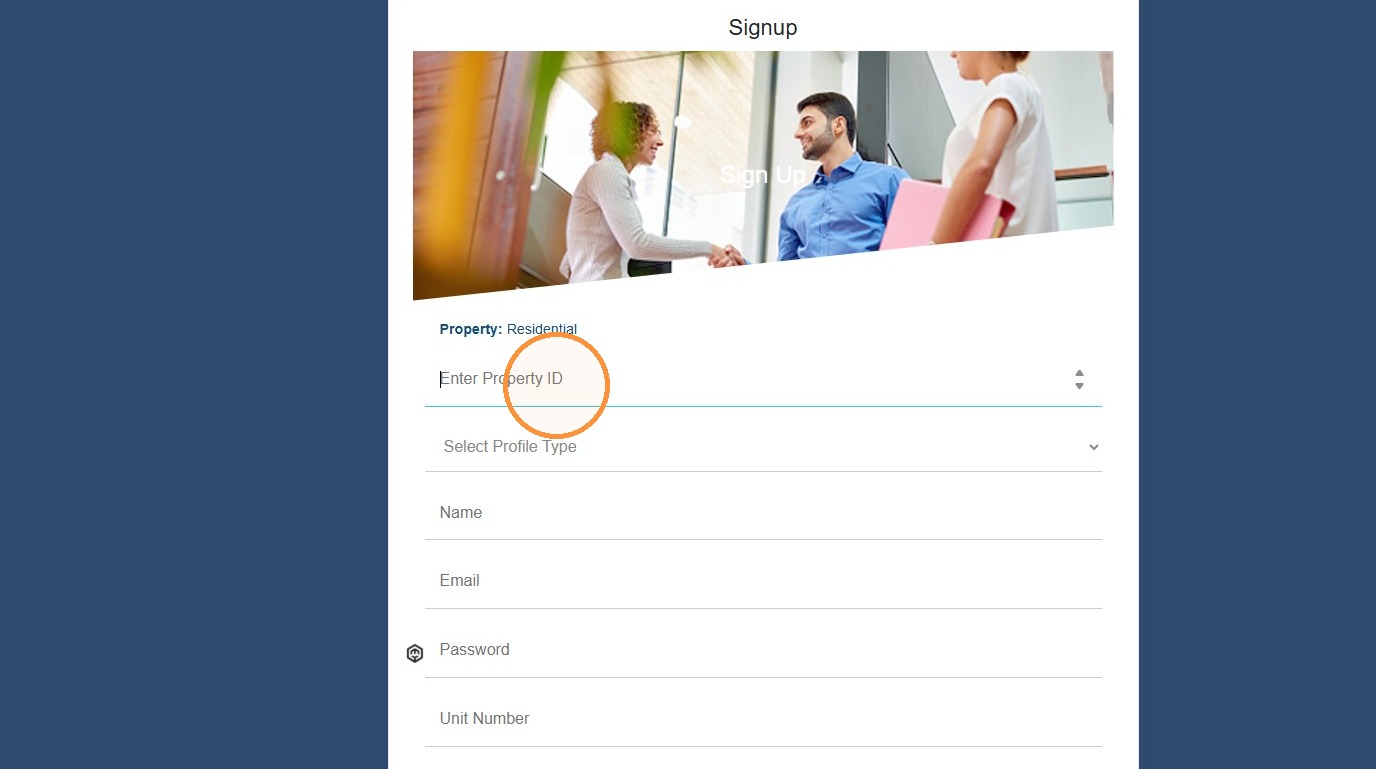
5. Select the Profile type that applies to you.
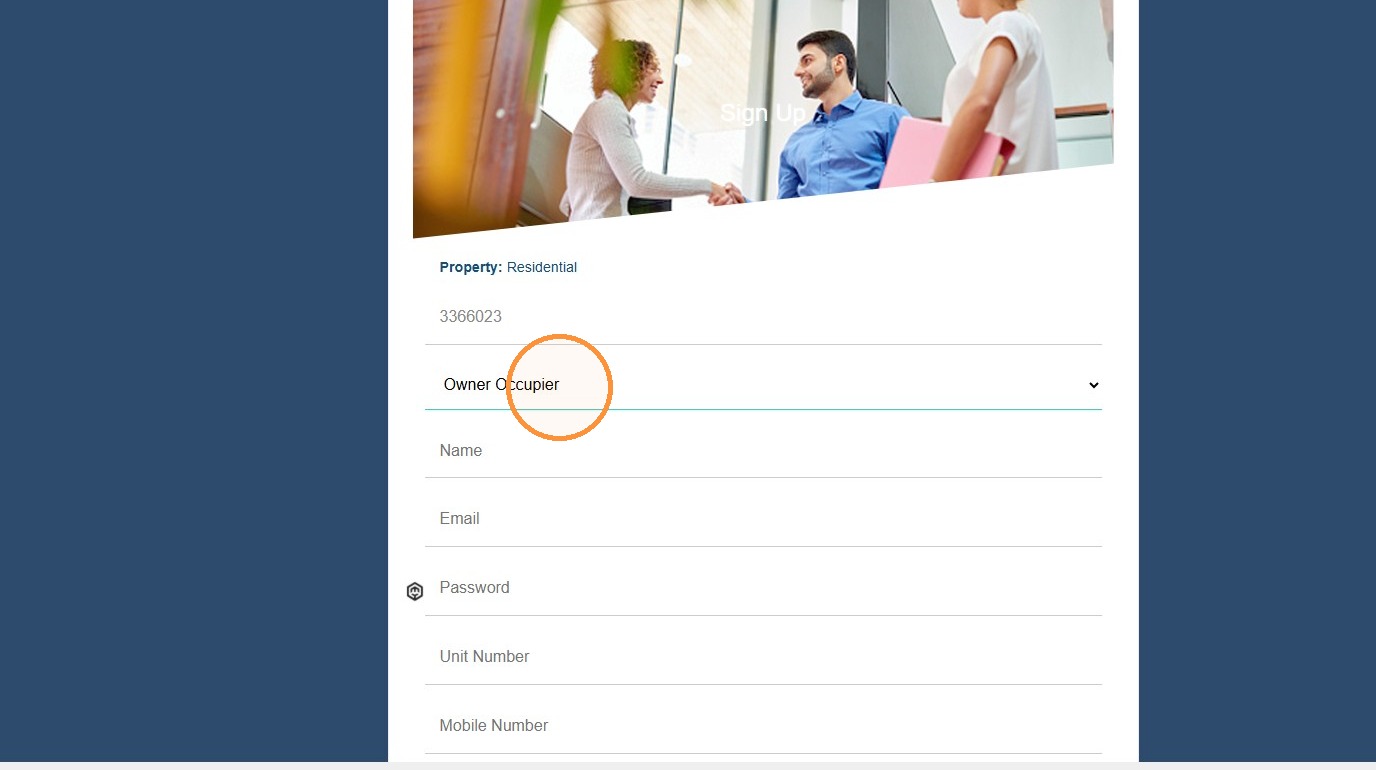
6. Enter the required information, create a password, then click REQUEST APPROVAL.
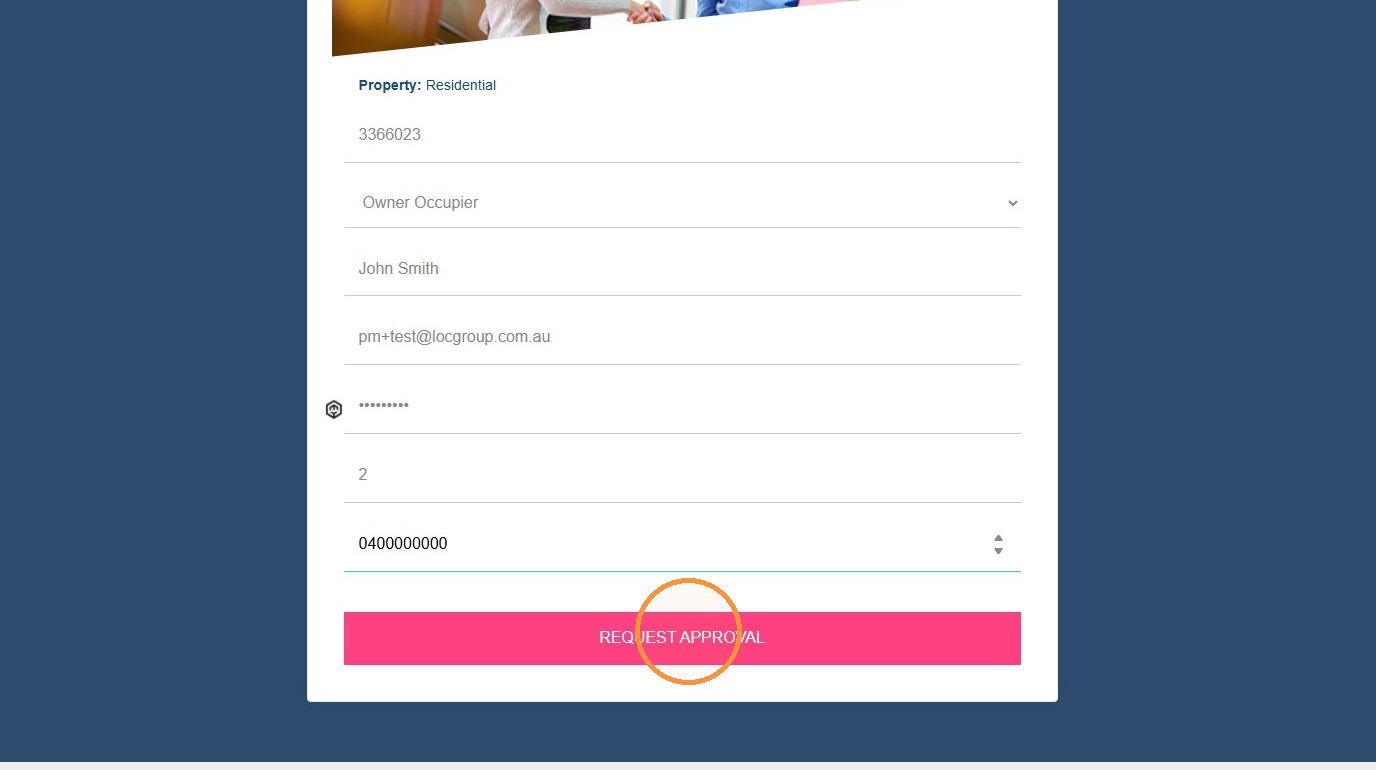
Please note: the Building ID needed to request access is generally the plan number shown on your levy notice. If you are unsure or have any trouble gaining access, please contact our office by phone or email.
Profile Details
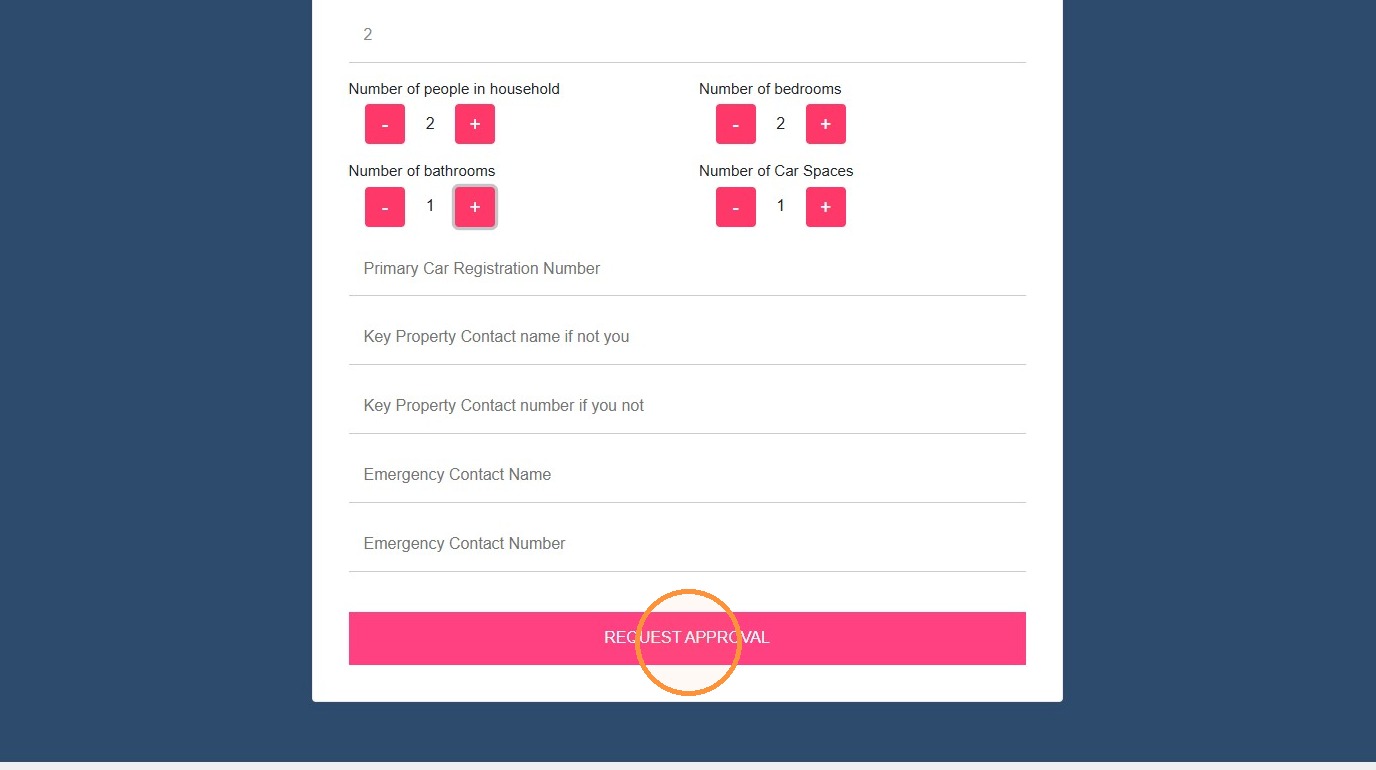
7. You will be prompted to add a profile picture using the +TAP button, then asked to enter more information about your unit.
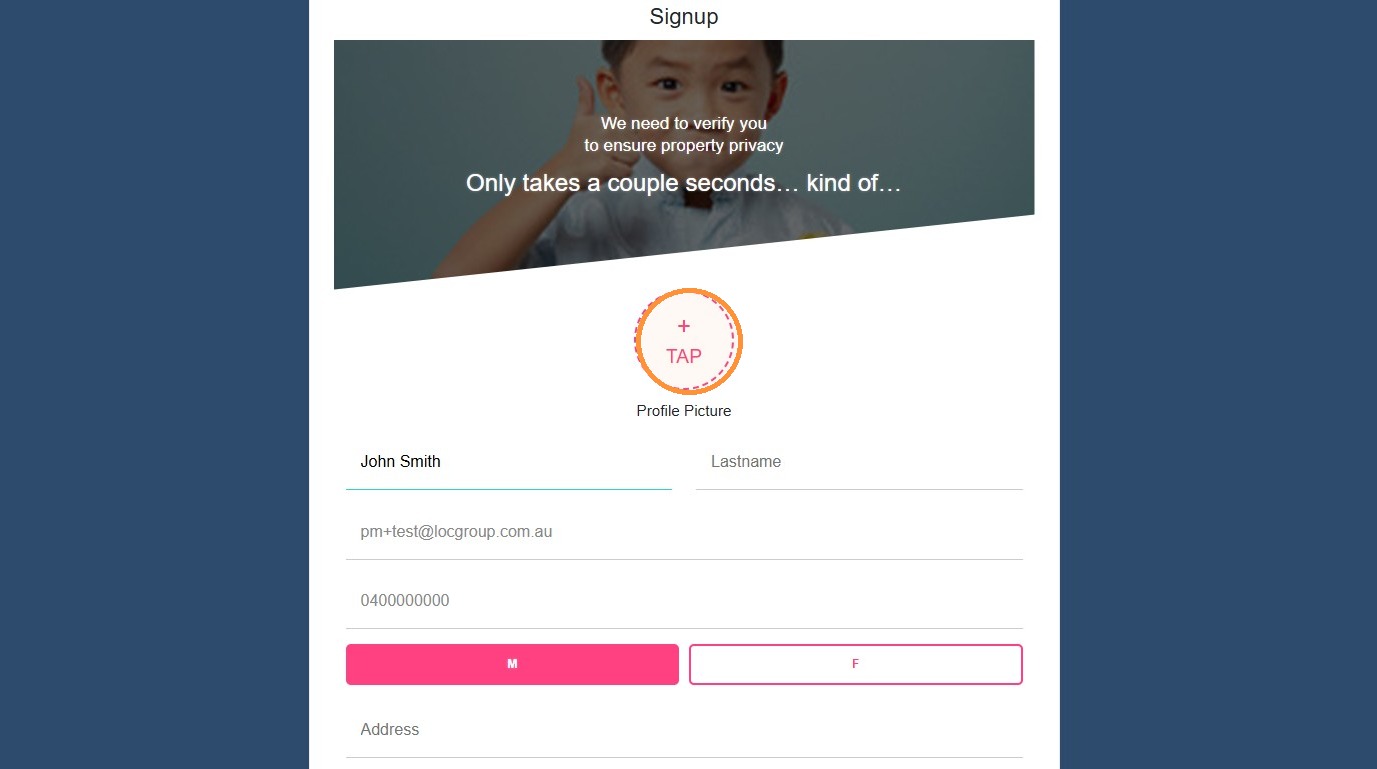
8. Once complete, click REQUEST APPROVAL.
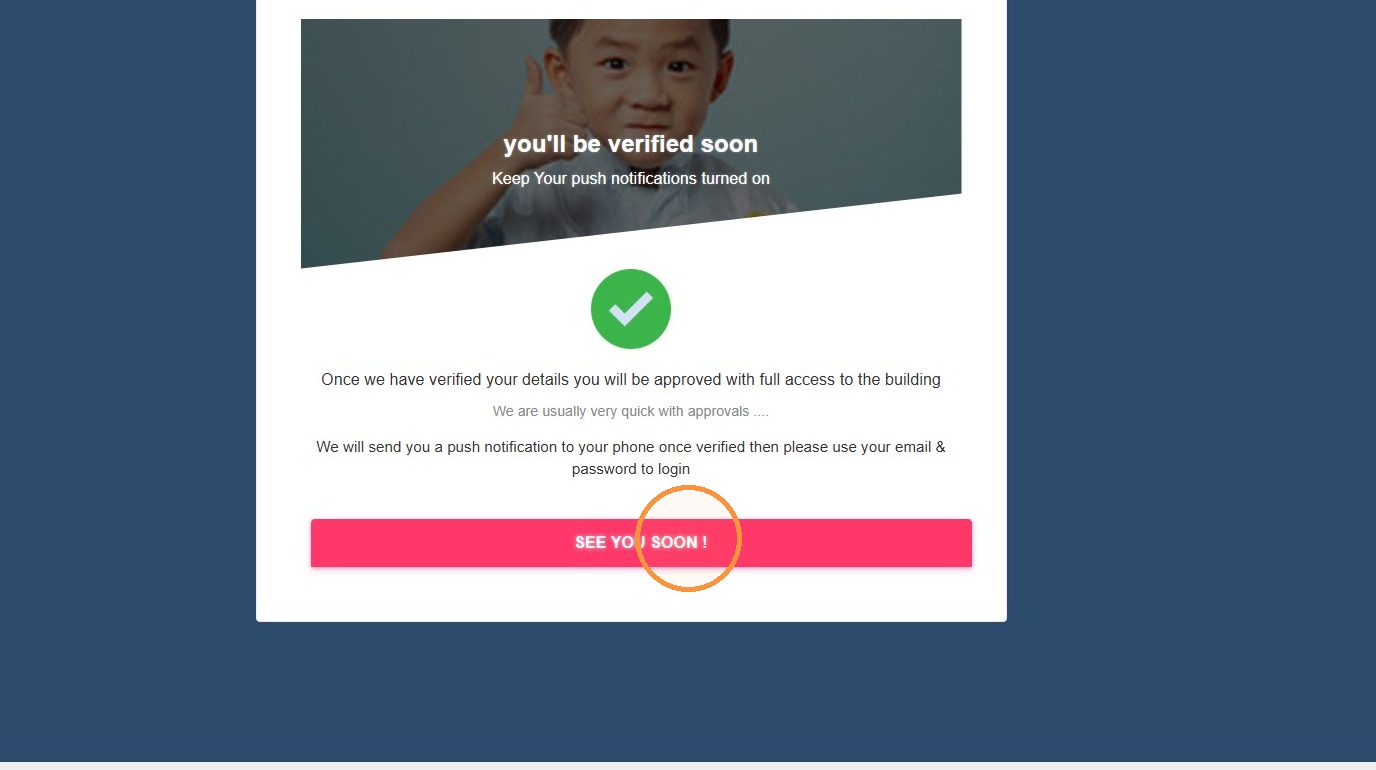
9. Click SEE YOU SOON!
Email Verification
10. Once your account has been verified (within 2 business days), return to the Owner Portal to start using the system: https://portal.stratafyconnect.com/Users/signup